Notes / Conversion Works
What should a product page do when an item is temporarily out of stock?
Help shoppers choose what to do when a product is temporarily out of stock, with honest timing, backorders, restock alerts and suitable available alternatives.
By Edu Rigonato. Published Sep 24, 2026. 10 min read.
Imagine a shopper choosing a jacket in the right size and color. The photographs, fit information and price have answered their questions. Then the selected size shows as sold out. This is an illustrative situation, but the decision is familiar: wait, choose something else, or leave.
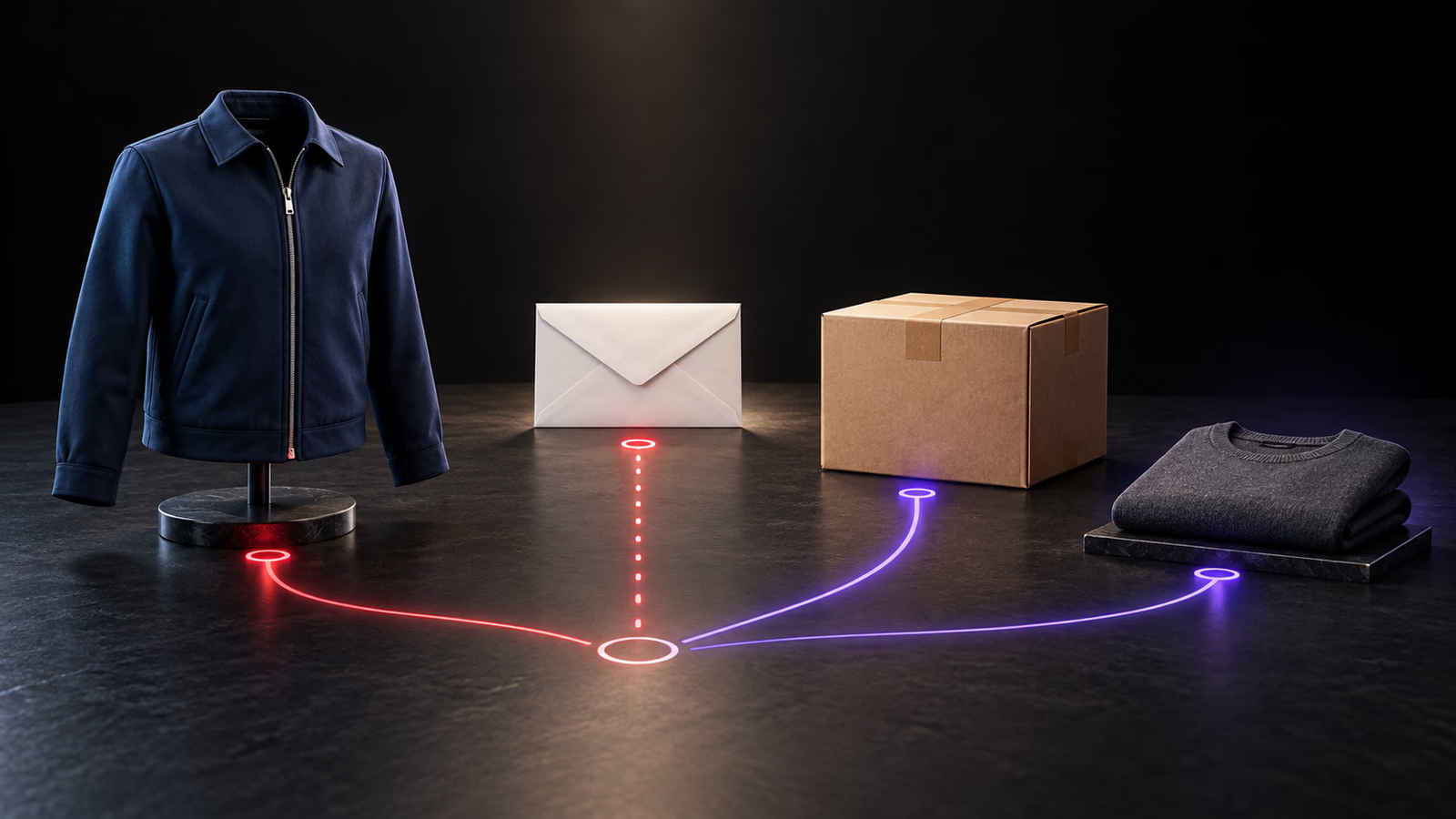
A temporarily out-of-stock product page should keep the useful product information, identify exactly what is unavailable, and offer a next step the store can honor. Accept a backorder when you can support a credible shipping expectation. Otherwise, explain the uncertainty, offer a relevant restock alert, and show suitable available alternatives.
The hard part is deciding which promise belongs on the page. A purchase button, an email form and a recommended product each ask the shopper to do something different. They should reflect what the business can deliver, including what happens after the customer acts.
What should an out-of-stock product page show?
Start with the selected item. A product may be available in several colors while the size someone needs is unavailable. Put that status beside the selection and purchase controls, where it can inform the decision before the shopper tries to order.
Keep the description, specifications, photographs, sizing and compatibility information accessible. Someone considering a later purchase still needs to establish whether the product is right. Removing those details makes it harder to judge whether waiting is worthwhile.
Baymard’s product-page research identifies a practical problem with hiding sizes inside a dropdown: shoppers must open it to discover which options are unavailable. Showing availability with the choices can make that information easier to find. The exact treatment still needs to work with the number of variants and the space available on mobile.
For our illustrative jacket, a message such as “Medium in navy is temporarily out of stock” is more useful than a general sold-out label that appears to apply to every jacket. If other sizes are available, make that visible without pretending they solve this shopper’s fit requirement.
Frequently asked questions
Should an out-of-stock product page stay live?
Usually, useful information should remain accessible during a temporary stockout, with accurate availability and a clear next step. Permanent discontinuation needs a separate decision based on the page’s remaining purpose and any suitable replacement. Keeping a URL live does not guarantee unchanged search performance.
Is a backorder the same as a preorder?
The terms can differ by system. Google Merchant Center uses backorder for an existing product accepting orders for later shipment and preorder for an unreleased product accepting orders. Shopify uses preorder more broadly. Match your configuration to the platform’s definitions and explain the actual shipping arrangement to shoppers.
Should sold-out variants disappear?
Make availability understandable before the shopper attempts to buy. Keeping unavailable options visible can explain the full range and support a relevant restock request. The best presentation depends on the product and number of options; do not silently switch a visitor away from the variant advertised.
Does a restock alert reserve the product?
A notification request alone does not reserve inventory. If your store offers a separate reservation or queue, explain that arrangement explicitly. Otherwise, state that an alert tells the shopper about availability and does not guarantee stock will remain when they return.
Explore Conversion Works