AI workers for small business

What can an AI worker do for a small business?

A managed AI worker can handle defined recurring workflows: reading inputs, preparing drafts, organizing context, routing requests, updating bounded records, and queuing work for approval.

One job can involve several workflows.

Direct answer

It moves repeatable work forward inside a boundary your team can review.

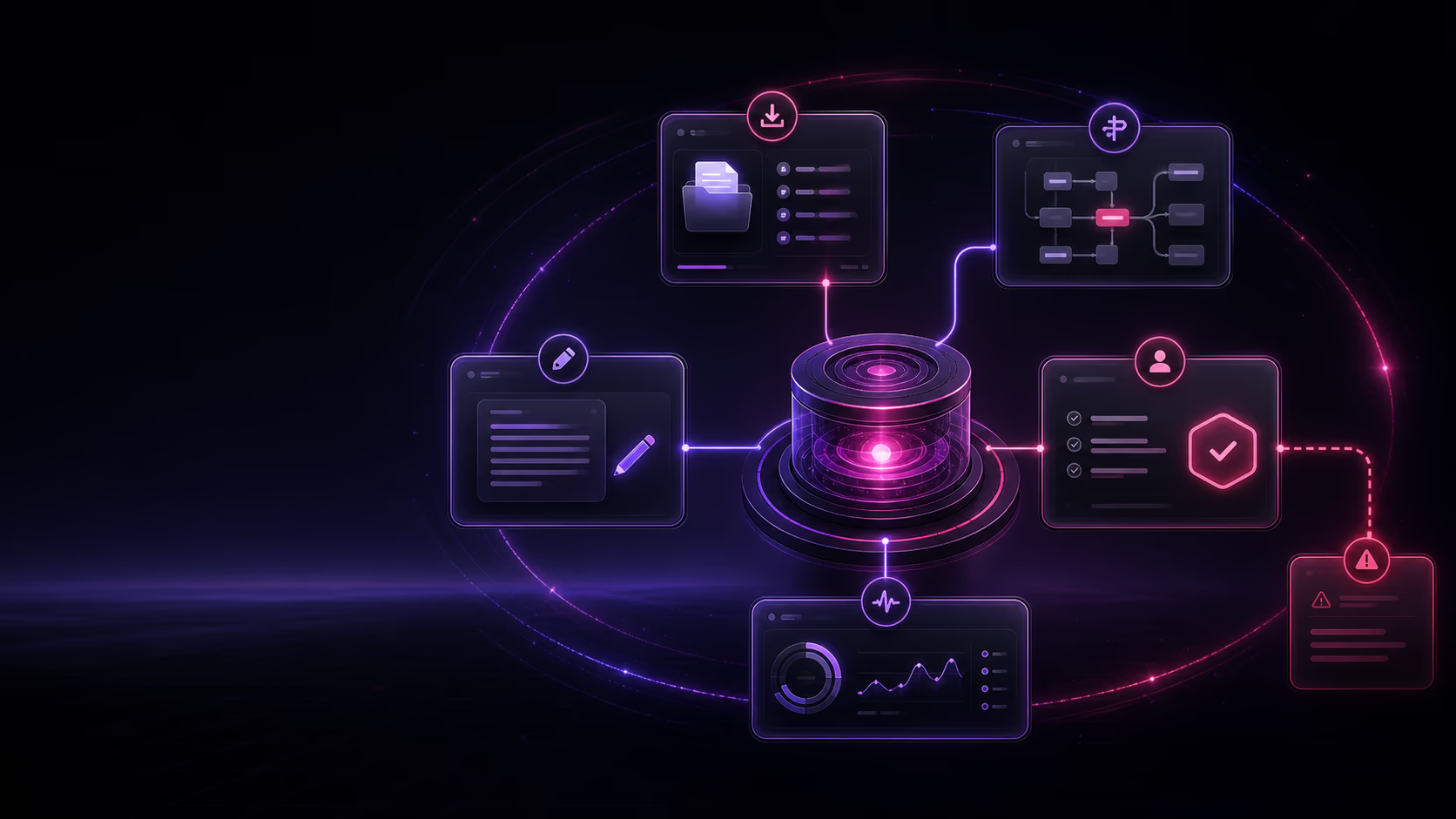
Abstract workflow showing incoming work being organized, drafted, routed, updated, queued for approval, and escalated when needed.

The best small-business AI worker is not a vague digital employee. It is a managed system built around a defined operational job with a recognizable trigger, known inputs, a clear owner, and a reviewable definition of done. Start by narrowing the problem to one job.

Taurist maps what the worker may read, draft, route, update, or queue; what needs human approval; and what must stop and escalate. The worker is then monitored and maintained as the workflow changes.

From problem to first job

Turn a department problem into one recurring job.

To narrow a broad problem, choose one trigger, one reviewable output, explicit exclusions, and a named reviewer. Use that boundary to decide what deserves a closer workflow map.

1. Choose one trigger

Name the event that starts the job and the source the team already uses. If different events require different decisions, separate them before choosing the first workflow.

Example: For a reporting task: the weekly operations review begins, using the current project tracker.

2. Define one reviewable output

Describe the artifact someone should receive and how they will check it. Keep the first job small enough that the reviewer can compare its output with the source information.

Example: Prepare a draft status summary with a source link for each open item and a separate list of missing updates.

3. State what stays outside

Write down decisions the workflow must leave to a person. A useful draft does not authorize changes to the underlying records, customer commitments, or the next stage of work.

Example: Do not change project dates, infer missing progress, assign new priorities, or send the summary to customers.

4. Name the reviewer and stop point

Choose the person who accepts the output and handles uncertainty. Define where the job stops when sources disagree or required context is missing; a draft should keep those gaps visible.

Example: The operations lead reviews the draft and resolves conflicting updates before sharing a final report.

Work the boundary through one example

A team asking to “improve operations reporting” still has several jobs to separate: collecting updates, checking inconsistencies, deciding priorities, and communicating decisions. A possible first job is to prepare the weekly draft from the existing tracker and flag gaps for the operations lead. Priority decisions and external communication stay with people.

If the tracker has no agreed meaning for “blocked,” resolve that definition first. If there is no reviewer, assign one before progressing. If the job only copies fixed fields into a fixed layout, consider whether a simple automation fits. This illustrative example is a planning aid, not a customer result or integration promise.

Once the boundary is clear, use the workflow readiness check, then capture the details in a workflow brief. Bring that recurring job to the existing mapping conversation below.

Framework basis: Anthropic recommends starting with the simplest suitable approach; OpenAI describes clear instructions and human intervention; NIST calls for defined context, roles, and oversight. The four-part worksheet above is our practical synthesis, not a certification or a guarantee of results.

Practical capabilities

What a managed AI worker can do.

The useful question is not whether AI can do everything. It is which repeated steps can move reliably while your team keeps judgment and approval.

Read and organize

Defined workflow action

Review incoming forms, messages, files, or records and organize the context the workflow needs.

Draft and prepare

Defined workflow action

Prepare replies, summaries, reminders, reports, or next-step options for a person to review.

Route and queue

Defined workflow action

Send a request to the right queue, owner, or approval step using the rules your team defines.

Update bounded records

Defined workflow action

Keep agreed fields, task states, or recurring records current when the source and rule are clear.

Follow up

Defined workflow action

Prepare or trigger a defined reminder when an input, response, appointment, or payment is still missing.

Pause and escalate

Defined workflow action

Stop when work is sensitive, unusual, missing context, or outside the map and bring it to a person.

Managed boundaries

Approval and maintenance are part of the worker.

Useful AI work needs an operating owner, not just a setup. The workflow map keeps human judgment visible and gives unclear work somewhere to go.

01

A person owns the workflow

Someone inside the business can explain the rules, judge exceptions, and confirm what done means.

02

Approval rules define the limit

The map names what the worker may read, draft, route, update, or queue—and what must wait.

03

Unclear work escalates

Missing context, sensitive decisions, and exceptions go to the workflow owner instead of moving forward.

04

The worker stays monitored

Taurist watches the worker path and maintains it as the workflow, systems, and business rules change.

Choose a starting point

Match the workflow to its owner and boundary.

A department is not a workflow. Use this matrix to find recurring back-office work that has a recognizable input, a reviewable output, and a named person for exceptions.

Customer intake

A submitted form, email, or request

Worker can: Organize details, identify missing information, and prepare the next follow-up.

Human owner: The person responsible for the customer relationship.

Boundary: Escalate sensitive requests, unclear intent, or exceptions to the routing rule.

Operations routing

A repeat request with known categories

Worker can: Classify the request, assemble context, and queue it for the right owner.

Human owner: The team lead who owns the queue and exceptions.

Boundary: Do not invent priority, commitments, or a destination when the rule does not fit.

Record hygiene

A bounded record with a known source of truth

Worker can: Find incomplete fields, prepare corrections, and apply only agreed low-risk updates.

Human owner: The system or process owner.

Boundary: Pause for permanent, sensitive, conflicting, or ambiguous changes.

Recurring reporting

Scheduled, known inputs from the workflow

Worker can: Gather context, prepare a status summary, and flag missing or conflicting information.

Human owner: The operator who reviews the report and decides next actions.

Boundary: Keep judgment, interpretation, and material decisions with the human reviewer.

Follow-up coordination

An expected reply, document, appointment, or payment

Worker can: Track the expected input and prepare a defined reminder or next-step queue.

Human owner: The person accountable for the relationship or process outcome.

Boundary: Escalate disputes, sensitive communication, or requests outside the approved path.
This is a planning aid, not a promise that every workflow is appropriate. The NIST AI RMF, the UK's AI assurance guidance, and the AI RMF Playbook each support clear roles, oversight, escalation, and ongoing review as governance practices.

Small-business examples

Start with work your team already repeats.

These are illustrative workflow categories, not fixed templates, customer case studies, integration claims, or promised outcomes.

Intake follow-up

Illustrative recurring workflow

Check a new intake for missing details, prepare the follow-up, and queue anything sensitive for review.

Quote or request routing

Illustrative recurring workflow

Organize an incoming request, apply defined routing rules, and send exceptions to the right owner.

Review response preparation

Illustrative recurring workflow

Gather the review context and prepare a response for a person to approve, edit, or decline.

Appointment reminders

Illustrative recurring workflow

Prepare agreed reminders from the schedule and flag unusual changes or missing information.

CRM cleanup

Illustrative recurring workflow

Identify incomplete or inconsistent records and queue clearly bounded updates for review.

Invoice follow-up

Illustrative recurring workflow

Surface overdue items and prepare a reminder while payment decisions and exceptions stay human-owned.

Internal reporting

Illustrative recurring workflow

Gather known inputs, prepare a recurring status summary, and flag missing or conflicting data.

Lead qualification

Illustrative recurring workflow

Organize submitted information, apply agreed qualification rules, and route the lead for review.

Customer support triage

Illustrative recurring workflow

Classify incoming requests, assemble useful context, and escalate sensitive or unclear issues.

Missing-input follow-up

Illustrative recurring workflow

Track expected inputs, prepare the next reminder, and route stalled requests to the process owner.

See more AI worker examples with triggers, owners, approvals, and escalation paths.

First-worker fit

Good first workflows are repeated, owned, and reviewable.

Not every useful business activity should become the first worker. Map the process before deciding how much of it should move.

Good first workflow

Repeated, explainable, and reviewable.

  • A recognizable event or schedule starts it
  • The same core steps happen repeatedly
  • Inputs and sources of truth are known
  • A process owner can review the output
  • Approval and escalation points can be named
Map before building

Promising work with missing boundaries.

  • The process changes depending on who runs it
  • Source information is scattered or inconsistent
  • Exceptions happen but are not documented
  • The approval owner is unclear
  • The definition of done needs agreement
Not the first worker

Open-ended judgment or unreviewed risk.

  • One-off strategy nobody can turn into steps
  • Work with no accountable owner
  • High-risk decisions without human review
  • Sensitive actions with unclear approval
  • A process the team cannot explain today

Use the first AI worker readiness check to review one process in more detail.

Abstract review board showing ready workflows, workflows that need mapping, and high-risk work that should remain human-reviewed.
How Workers works

Map one workflow before building the worker.

Taurist starts with how the work runs today, then defines the worker around an approved map instead of forcing a generic agent into the business.

01

Identify one recurring workflow

Start with work that keeps returning, not a vague role or broad AI transformation goal.

02

Map how the work runs

Name the trigger, inputs, steps, systems, decisions, exceptions, owner, and definition of done.

03

Set the operating boundary

Agree on what the worker may prepare or update, what requires approval, and what must escalate.

04

Build around the approved map

Taurist turns the defined workflow into a managed worker with readable, reviewable outputs.

05

Monitor and maintain

Keep the worker aligned as the workflow, tools, information, and business rules change.

Common questions

Questions about a first AI worker.

Start with the recurring work, then define the owner, boundary, approval points, and maintenance path.

Have a workflow in mind?

Map one repeated process and see what a worker could prepare, route, update, queue, or escalate.

Choose one recurring trigger, one output a person can check, explicit decisions the workflow must leave out, and a named reviewer. For example, narrow operations reporting to preparing a weekly draft from an agreed tracker and flagging missing updates. Keep priority decisions and external communication with people, then check the inputs and capture the boundary in a workflow brief.

An AI worker is a managed system built around one defined recurring workflow. It can read inputs, prepare drafts, organize context, route requests, update bounded records, or queue work for approval while people retain judgment and required approvals.

No. A chatbot primarily responds inside a conversation. A managed AI worker is mapped around a workflow: what starts the work, what information it uses, what it may prepare or update, what needs approval, and when it must escalate.

Start with recurring work that has a recognizable trigger, a clear owner, known inputs, reviewable outputs, and approval points your team can explain. Intake follow-up, request routing, CRM cleanup, invoice follow-up, internal reporting, and review response preparation are common examples.

Practical starting points are recurring workflows where the team can name the input, expected output, process owner, review point, and exception path. Examples include intake follow-up, request routing, CRM cleanup, reporting preparation, and missing-input reminders. The right choice depends on the workflow boundary, not on a department label.

Only for bounded, agreed updates with a clear source of truth and an owner who can review the rule. Sensitive, permanent, unusual, or unclear changes should wait for approval or escalate to a person.

Only within the boundaries defined for that workflow. A worker may complete low-risk, routine steps when the rules are clear. Sensitive, unusual, or unclear work should pause for approval or escalate to a person.

Taurist monitors and maintains the worker as the mapped workflow changes. Your business keeps a process owner, maintains its source information and business rules, and retains judgment and approvals wherever the workflow requires them.

No. You need a recurring workflow or operational bottleneck you can describe. Taurist maps its trigger, inputs, systems, decisions, exceptions, owner, and definition of done before defining what a worker should handle.

Start with one workflow

Find the recurring work a managed AI worker could carry.

Map the trigger, owner, inputs, systems, expected output, approval points, and exceptions before anything is built.

The map should clarify:

  • What the worker may read, draft, organize, route, or update
  • What must pause for approval or escalate to a person
  • Who owns the workflow and what counts as done
Let's map one recurring workflow
Tell me what keeps coming back. I'll ask a few questions about the trigger, owner, inputs, output, and approval points.
Let's Work