
01
Interpret and update
Reads mixed inputs, verifies the important details, updates the right system, and routes anything unclear.
Jobs like
ApplicationsClaimsOrder intakeRecord correction
Hand off the boring work that keeps pulling your team away. Start with a Worker built around your tools, rules, and standards. Prove it on the job, then add more.
*Time-saved and task-accuracy figures reflect observed client work. Results vary by role, scope, and work volume.
There is no catalog to choose from. We build each Worker around a responsibility in your operation—the context it needs, the tools involved, who it reports to, and the decisions that stay human.
Reads mixed inputs, verifies the important details, updates the right system, and routes anything unclear.
Tracks open work across tools, follows up, keeps status current, and brings the right exception to the right person.
Compares sources, applies your criteria, flags mismatches, and prepares a review-ready view of what needs attention.
Turns approved source material into drafts, reports, updates, or assets—with the right review before delivery.
Bee looks at how the work moves, where judgment is needed, and whether a Worker fits.
A Worker uses the context its role needs, works across the tools involved, and records what happened. When the work is unclear, unusual, or sensitive, it brings your team in.
You choose its access, permitted actions, approval points, and when a person takes over.
Reads the task, approved context, and what “done right” looks like.
Chooses the next permitted step and works through the right tools.
Pauses anything unclear, sensitive, or outside its operating rules.
Approved corrections become updated examples, knowledge, or operating rules.
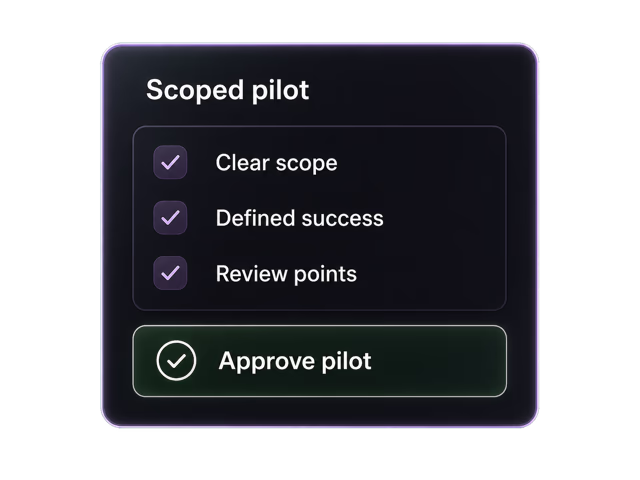
Talk through the work. See what a Worker would look like for your business. Prove it in a scoped pilot, then add more as your operation needs them.
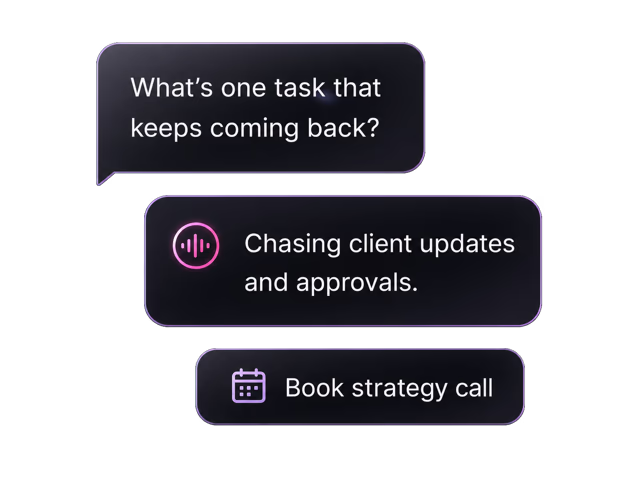
Tell Bee what keeps coming back—or book a strategy call when you would rather talk it through.
We show how a Worker could move through your tools, rules, and review points before the scope is final.
A clear job, approval points, and a review process—so your team sees the work before deciding to continue.
Once your first Worker is set up, add capacity around the next jobs that need attention.
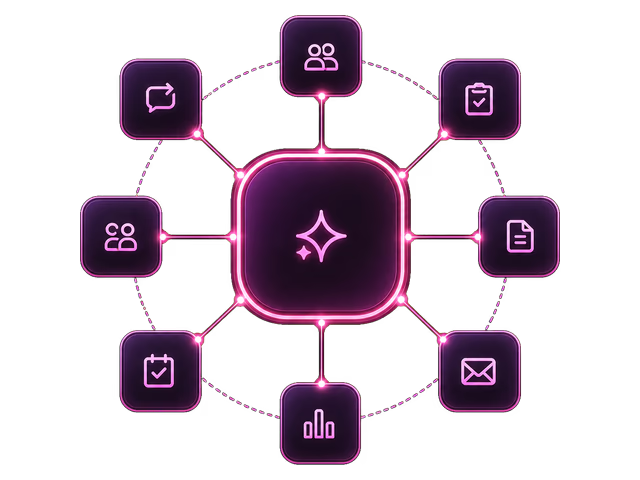
Workers are not generic chatbots or one-off automations. They are built around the recurring workflows a business already runs: the messages, tools, approvals, updates, reminders, and edge cases that keep pulling people back.
 Managed worker
From client intake to staff member approval, consulate email, customer notification, and CRM update.
The worker moves the process forward from WhatsApp without our staff members chasing every step.
 Managed worker
From website lead to tailored email, CRM update, sales alert, follow-up strategy, and next-step reminders.
The worker keeps our leads moving without forcing the sales team to babysit HubSpot.
 Managed worker
From SEO/AEO research to outline approval, article creation, image prompts, and LinkedIn/X assets.
The worker turned our content process from a blank-page exercise into a managed workflow.
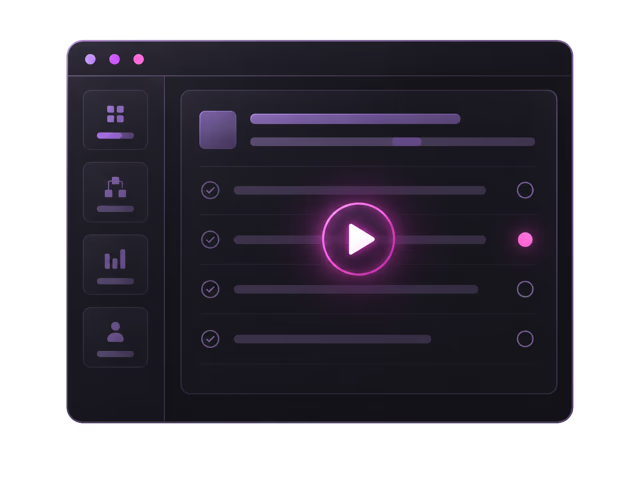
The Workers Harness brings together each Worker’s job, business context, approved tools, operating rules, and approval points. Your team can see what it knows, what it’s doing, what it completed, and what needs human attention.
General AI provides capability. Our harness turns it into a Worker.Your team can review what is active, queued, completed, blocked, or waiting for a person.
Illustrative Worker view. Visibility, reporting, communication, and approval points are configured for each deployment.
Taurist does not set up your Worker and disappear. We train it, help your team work with it, monitor how it runs, and keep it useful as the job changes.

Automated health and failure monitoring runs 24/7. Taurist investigates issues and restores normal operation when something goes wrong.

We train the Worker on representative work, then show your team how to review, approve, correct, and escalate.

We review completed work and exceptions with you, then update approved knowledge, rules, and behavior as the job changes.
The Worker comes with the Taurist team responsible for keeping it useful.
Your Worker only gets the access it needs. Customer data stays out of LLM training, and every action remains visible to your team.
Available for scoped deployments
Through vetted infrastructure providers
Encrypted in transit
Encrypted at rest
Customer data excluded from LLM training
Identity and permissions stay managed
Sensitive decisions stay with your team
Every Worker run is visible and logged
*HIPAA-compliant configurations are available for eligible scoped deployments and require the appropriate agreements and controls.
The things teams usually want to know before they hand real work to a managed AI Worker.
Tell Bee what keeps pulling your team away. We will help determine whether a Worker fits and where it should start.
Notes from the systems, incidents, and operating decisions shaping how we build Workers.
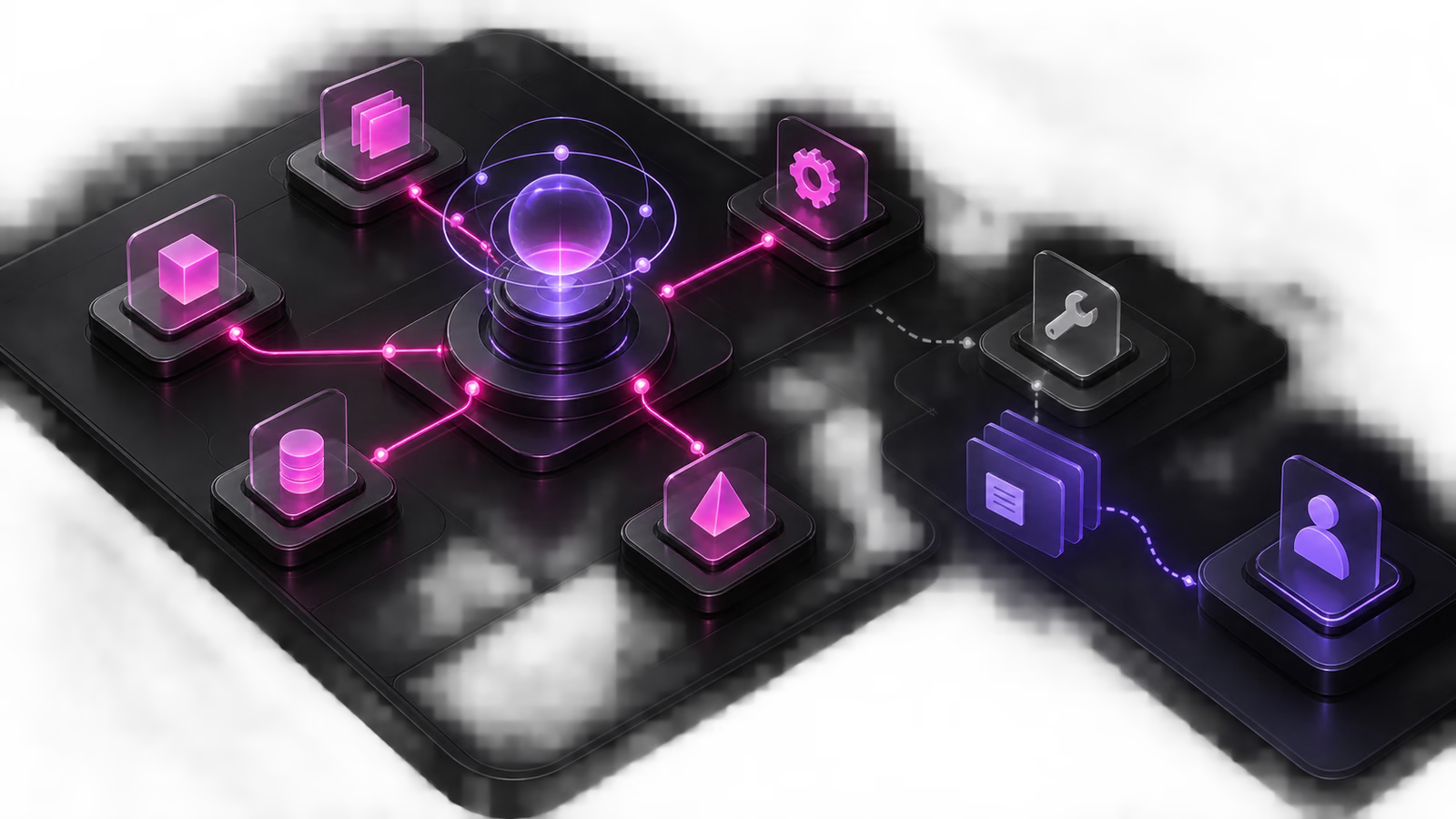
How an AI Worker can continue unaffected work, retain the context of blocked tasks, and recover under the direction of its designated owner.
Read more
A Taurist AI Worker averages around $25,000 for a full year, including token usage, for a business role with connected responsibilities and ongoing operation.
Read more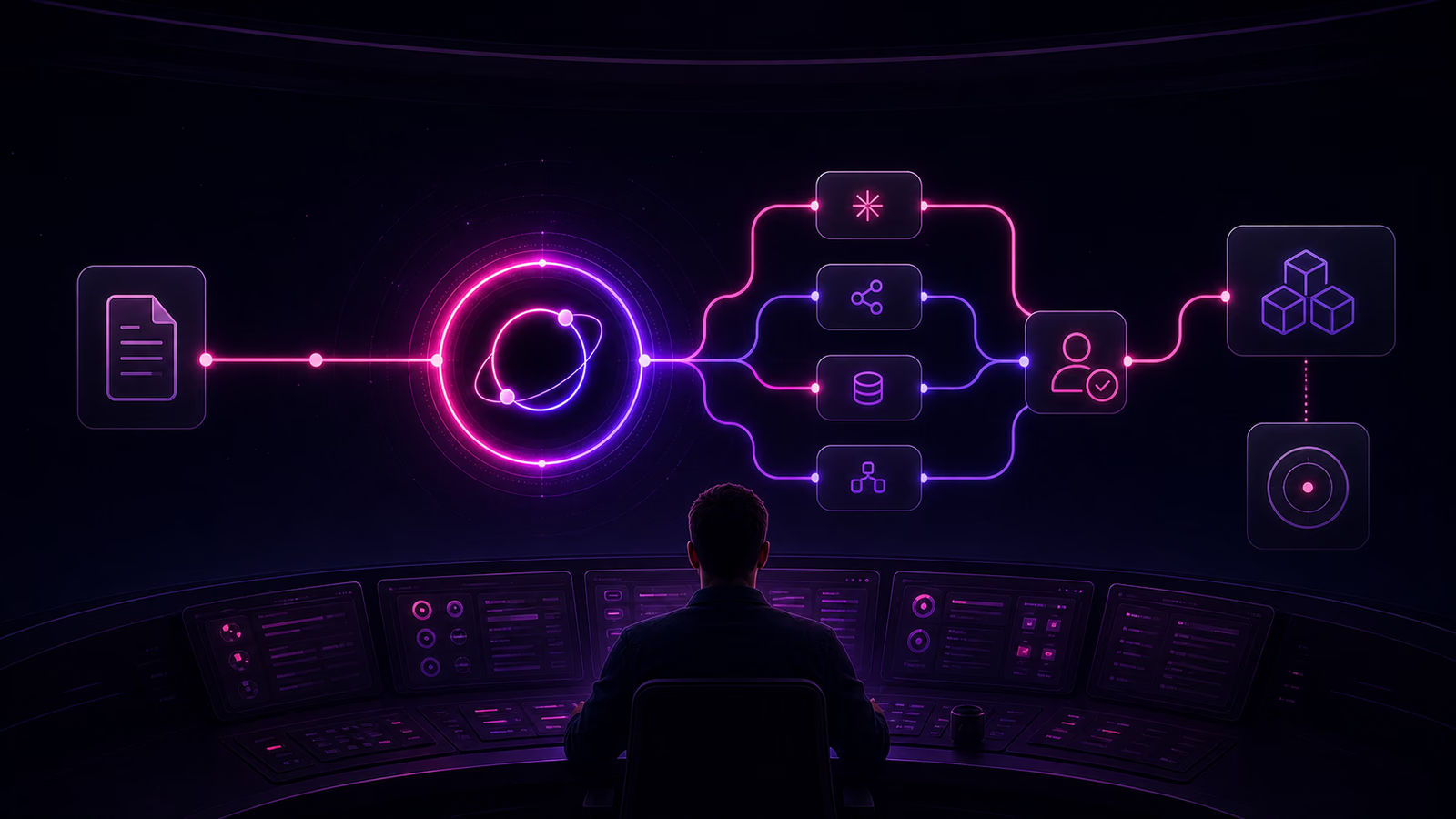
Follow one business document through an AI Worker and learn how to map its sources, recipients, artifacts, access, retention, deletion, evidence, and owners.
Read more
A practical framework for mapping interfaces, identities, authority, verification, approvals, and ownership across a Worker’s connected analytics responsibilities.
Read moreTell Bee what keeps coming back. It will help identify the best first Worker for your business.
Start with one Worker. Add more when you're ready.

 HIPAA compliant*
 SOC 2 controls
 TLS 1.3
 AES-256
 Zero training data
 SSO & access controls
 Human-in-the-loop
 Complete audit trail