Notes / Workers
Can an AI Worker use the model your company already approved?
Your team already has an AI service it’s allowed to use. See whether it can turn a repair request into a checked order or put it in front of a dispatcher who can help.
By Edu Rigonato. Published Nov 24, 2026. 9 min read.
A repair request comes in with a photo, a site name and a note about a lift that keeps stopping. Your company allows the request text in its AI chat, so you try the written part there. The chat pulls out the details and drafts a clear work order. Dispatch still has to open the maintenance system, find the right lift, check whether someone reported the same fault yesterday and save the order. You were hoping to hand off that whole job.
Yes, if the approved service supports the work you want to hand over and your company permits each step. For the lift repair, look for an order that names the right lift, lands in the right queue and links to the original request. If a detail is missing, look for a case in the dispatcher’s queue that explains what they need to find out.
What did your company actually approve?
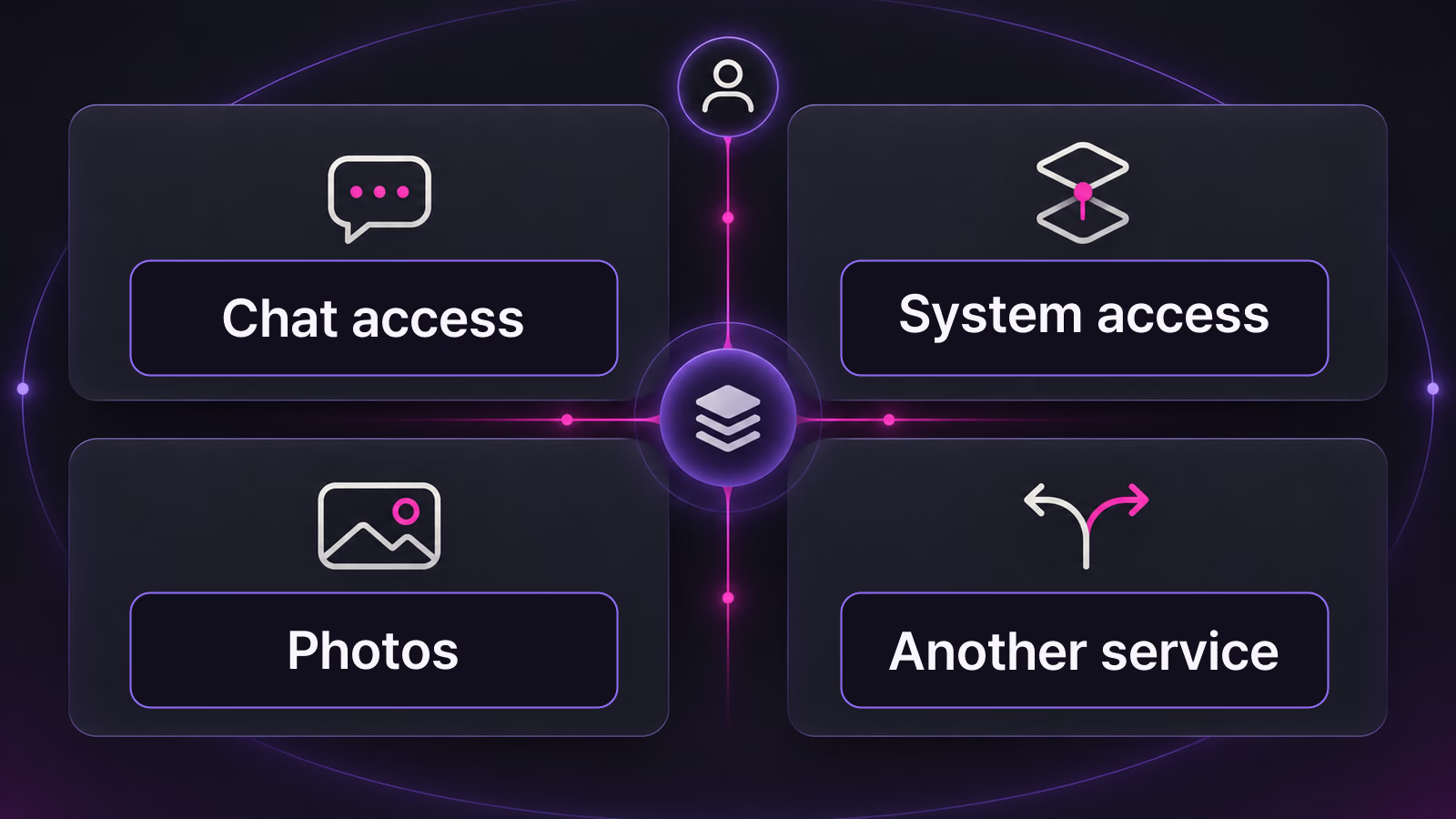
Ask the person who approved the service to show you where your team can use it and what that permission covers. You might have a chat account that staff can open in a browser. Your IT team might also have a version that its applications can call directly. Those two setups can carry the same model name and give your team different ways to use it.
Start with whatever the company granted. Can the intake system call the service directly, or does a dispatcher need to open the chat? Which kinds of request data can it receive? If the permission covers text but leaves photographs out, a request that depends on reading a photo needs a different path. The first decision belongs to the person who owns that policy. Give them a representative request and the action you want the Worker to take. That makes it easier to get an answer about this job.
Ask IT whether the intake application can use the service to read the request and propose an order. They can show you the specific setup, often called a deployment , and confirm which version and features are available. Two setups with the same model name may differ in whether they support calling an application function . In Microsoft Foundry, the deployment type can also affect where requests are processed.
Sometimes the answer is already in the approval. It may name the exact software, which requests it may handle and the permissions the maintenance account has. Use that as your starting point and ask what work the team has already checked. When the approval covers only staff use in chat, the draft may be the useful output for now. It gives dispatch something to review while your team decides if connecting the maintenance system makes sense.
Can that setup get the work order into the right system?
Frequently asked questions
Can we start if our company only approved a chat tool?
Yes. Give a dispatcher one example your company has cleared for the chat. Ask them to mark which fields they could copy straight into a work order and which they would still have to check.
Who checks that the AI can access the right systems?
Ask IT or the relevant system owner to verify what the approved software and account can read or change. Have the person who owns intake check that those permissions match the duties they want to assign. Both should know who receives a request the setup cannot complete.
What if the approval doesn’t say whether we can use photos?
Ask the policy owner before using actual request photos. In the meantime, test an approved text-only example and decide where requests that depend on photos should go. Keep those cases visible in the intake queue so dispatch can pick them up.
Does using the same model in another service carry over the approval?
Check with the person responsible for the existing approval. Another service may have different accounts, data terms, limits and features. If your team wants to use it, bring the exact proposed service and the same example job into that decision.
Explore the AI Action Plan